



Play Annoying Uncle Punch Game Online for Free
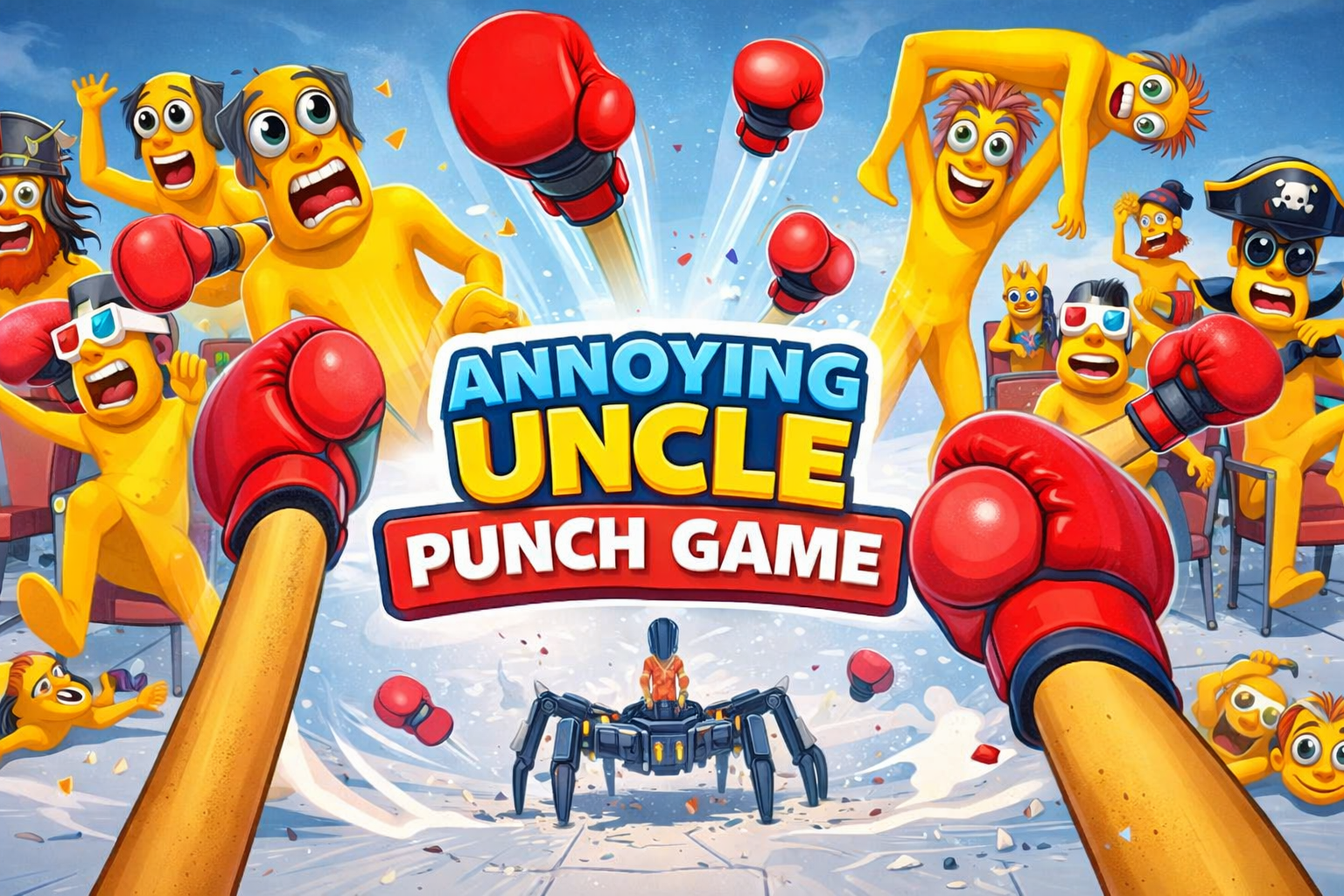
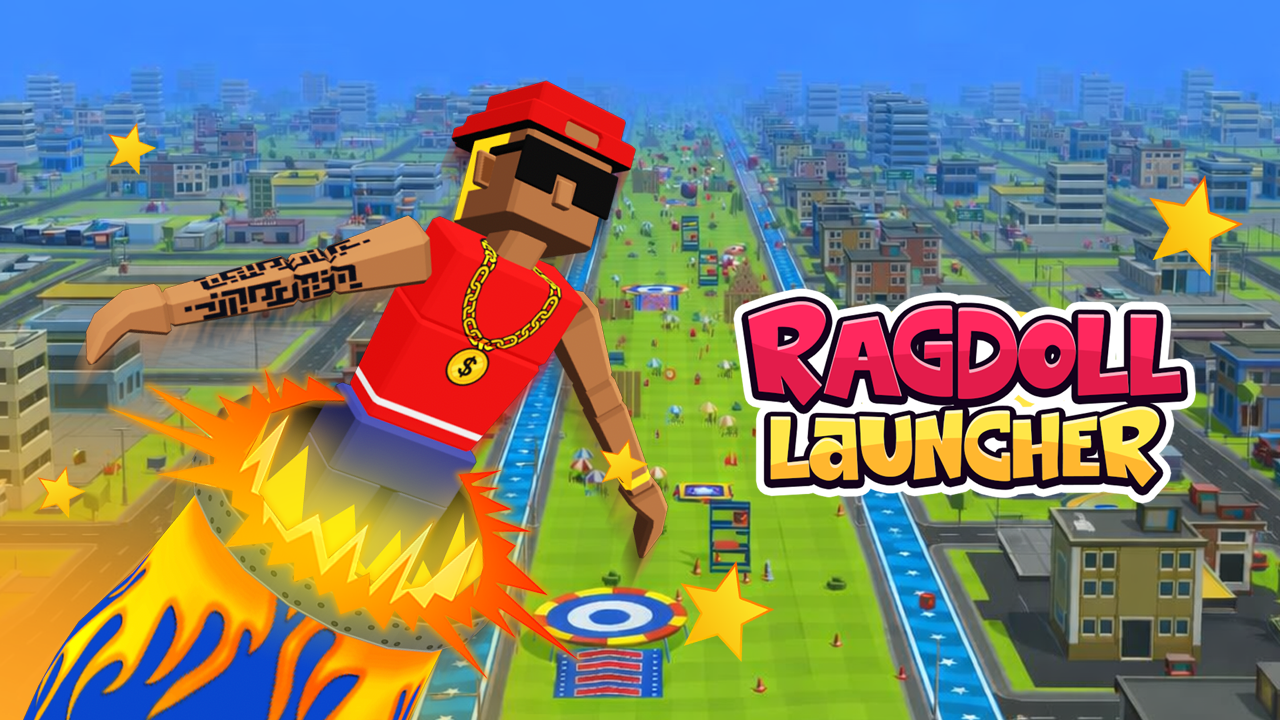
In this game, you aim and deliver punches to a ragdoll character known as the “uncle.” Each punch causes unpredictable reactions such as stumbling, flipping, or bouncing around the arena. The game runs directly in the browser, allowing players to start without downloads or installations.
Skiioo offers this game as part of its collection, with gameplay designed for desktop and possible mobile browsers, as mobile support is listed for iOS and Android devices.
About Annoying Uncle Punch Game
Annoying Uncle Punch Game is a 3D action title centered on ragdoll chaos and exaggerated animations. The main character behaves dramatically, talking and laughing loudly, while players try to land well-timed punches that trigger ragdoll physics and silly reactions. This game fits into the skill games realm and includes elements of control, highscore, and survival.
Provider metadata lists the developer as Third-party. The gameplay focuses on replayable high-score challenges, tailored specifically around the interactions with the uncle character and physics-driven outcomes.
How to Play Annoying Uncle Punch Game
The objective is to punch the uncle character with precise timing to trigger ragdoll effects and cause chaotic reactions. Controls include mouse, touch, or keyboard inputs depending on your device. Additional controls may appear during gameplay on the screen.
- Use mouse or touch input to aim and punch.
- Keyboard controls may be available for striking the character.
- Follow on-screen goals to try to earn high scores or complete challenges.
Annoying Uncle Punch Game Gameplay
The gameplay involves targeting the uncle and delivering punches that activate exaggerated ragdoll physics. Each hit creates different effects, such as the uncle flipping, stumbling, or bouncing unpredictably across the arena. The physics-driven mechanics ensure varied reactions for every punch.
The uncle may interact with objects nearby in surprising ways, adding variety to each round and encouraging repeated play to see new outcomes.
Features
The game centers on ragdoll physics combined with exaggerated animations and reactions triggered by punches.
- Replayable high-score challenges
- Dynamic ragdoll effects from punches
- Gameplay tailored around the unique uncle character and physics
- Support for mouse, touch, and keyboard controls
- Mobile support is listed for iOS and Android browsers
Tips and Tricks
- Take time to aim punches carefully to trigger dramatic ragdoll reactions.
- Try different punch timings to observe a variety of reactions from the uncle.
- Use mouse or touch for precise and quick aiming.
- Watch the uncle’s movements closely to predict the best moment to punch.
- Attempt to improve your score by chaining punches with good timing.
- Look for any extra controls or instructions that appear during gameplay to refine your strategy.
Troubleshooting
If Annoying Uncle Punch Game does not load, try these quick fixes:
- Refresh the page and restart the game.
- Check your internet connection.
- Disable browser extensions that may block embedded games.
- Update your browser.
- Try another browser or device.
Game Details
- Runs in the browser with an internet connection required.
- Category: Skill games
- Provider metadata lists the developer as Third-party.
- Mobile support is listed for iOS and Android, but performance can vary by device and browser.
- Controls include mouse, touch, and keyboard inputs.
FAQ
Is Annoying Uncle Punch Game free to play?
Yes, the game is free to play online through the browser.
Do I need to download anything to play this game?
No downloads are required since the game runs directly in the browser.
What is the main objective of the game?
The goal is to punch the uncle character with good timing to trigger ragdoll physics and cause chaotic reactions.
Which controls can I use to play the game?
Players can use mouse, touch, or keyboard controls. Additional controls might appear during gameplay depending on the device.
Can I play this game on my mobile device?
Mobile support is listed for iOS and Android browsers, but how well the game performs may depend on your specific device and browser.
Comments
No comments yet. Be the first to comment.