
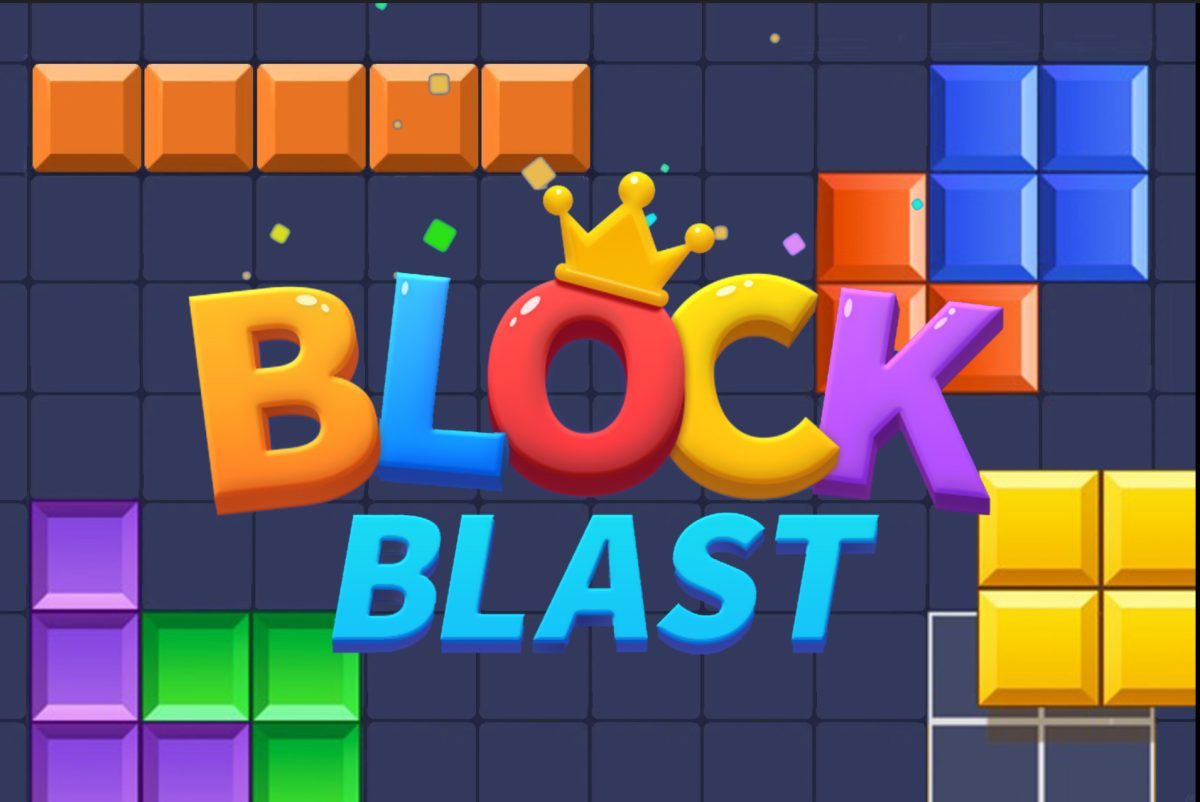






Play Block Blast Online for Free
In this puzzle game, you place different block shapes onto an 8×8 grid to clear horizontal or vertical lines. Each round offers three block pieces that must fit onto the board to prevent it from filling up. The game ends when there is no space left for new blocks.
Block Blast runs in the browser and can be played on Skiioo without downloads. The game data mentions colorful cubes and simple controls, making it accessible for players who enjoy logic-based puzzles.
About Block Blast
Block Blast is a block puzzle game focused on matching and clearing lines on a clean 8×8 board. The gameplay revolves around fitting various shaped blocks to earn points by completing full rows or columns. The game data lists tags such as logic, matching, tiles, colorful, and block, which describe its puzzle mechanics and visual style.
Provider metadata lists the developer as Third-party. The game is included in the puzzle games category and features logic-based levels with progression and easy-to-learn controls. Mobile support is listed for iOS and Android, though performance may vary depending on device and browser.
How to Play Block Blast
The goal is to arrange the provided block pieces onto the 8×8 board to clear full horizontal or vertical lines before running out of space. Planning moves ahead helps keep the board open and prolong the game.
- Use mouse or touch controls to drag and place block pieces onto the grid.
- Fit all three available blocks each round strategically to avoid filling the board.
- Extra controls may appear within the game interface.
Block Blast Gameplay
The gameplay involves placing the three block pieces each round onto the board, aiming to complete full lines that will clear space and earn points. Each piece occupies valuable space, so careful placement is necessary to keep the game going. Completing lines removes those tiles and opens the board for new pieces.
One well-placed move can clear multiple lines and extend playtime, while misplacing blocks can quickly end the run. The game emphasizes logical thinking and spatial arrangement within the colorful 8×8 grid.
Features
Block Blast offers clear mechanics focused on strategic block placement and line clearing with colorful visuals.
- Logic-based levels with satisfying progression.
- Colorful visuals and easy-to-learn controls.
- Gameplay centered on placing block shapes on an 8×8 board.
- Three block pieces provided each round to place on the grid.
- Mobile support is listed for iOS and Android devices.
Tips and Tricks
- Plan ahead before placing blocks to avoid filling the board too quickly.
- Try to complete multiple lines with a single move to clear more space.
- Keep track of the shapes of the upcoming pieces and how they fit together.
- Use the edges and corners effectively to place awkward-shaped blocks.
- Focus on clearing lines both horizontally and vertically for better results.
Troubleshooting
If Block Blast does not load, try these quick fixes:
- Refresh the page and restart the game.
- Check your internet connection.
- Disable browser extensions that may block embedded games.
- Update your browser.
- Try another browser or device.
Game Details
- Runs in the browser with an internet connection required.
- Category: Puzzle games
- Provider metadata lists the developer as Third-party.
- Mobile support is listed for iOS and Android, but performance can vary by device and browser.
- Controls include mouse and touch input; additional controls may appear in-game.
FAQ
Is Block Blast free to play?
Yes, the game is available to play for free in the browser without purchase.
Do I need to download anything to play Block Blast?
No downloads are required as the game runs directly in the browser.
What is the main objective of Block Blast?
The goal is to place the given block shapes onto an 8×8 board to complete and clear full horizontal or vertical lines before running out of space.
Can I play Block Blast on mobile devices?
Mobile support is listed for iOS and Android, but the game data notes that performance may vary depending on the device and browser used.
How do I control the blocks in the game?
Blocks are typically placed using mouse or touch controls by dragging them onto the board. Additional controls may appear in the game interface.
Comments
No comments yet. Be the first to comment.