





Play Geometry Wave Online Editor Online for Free
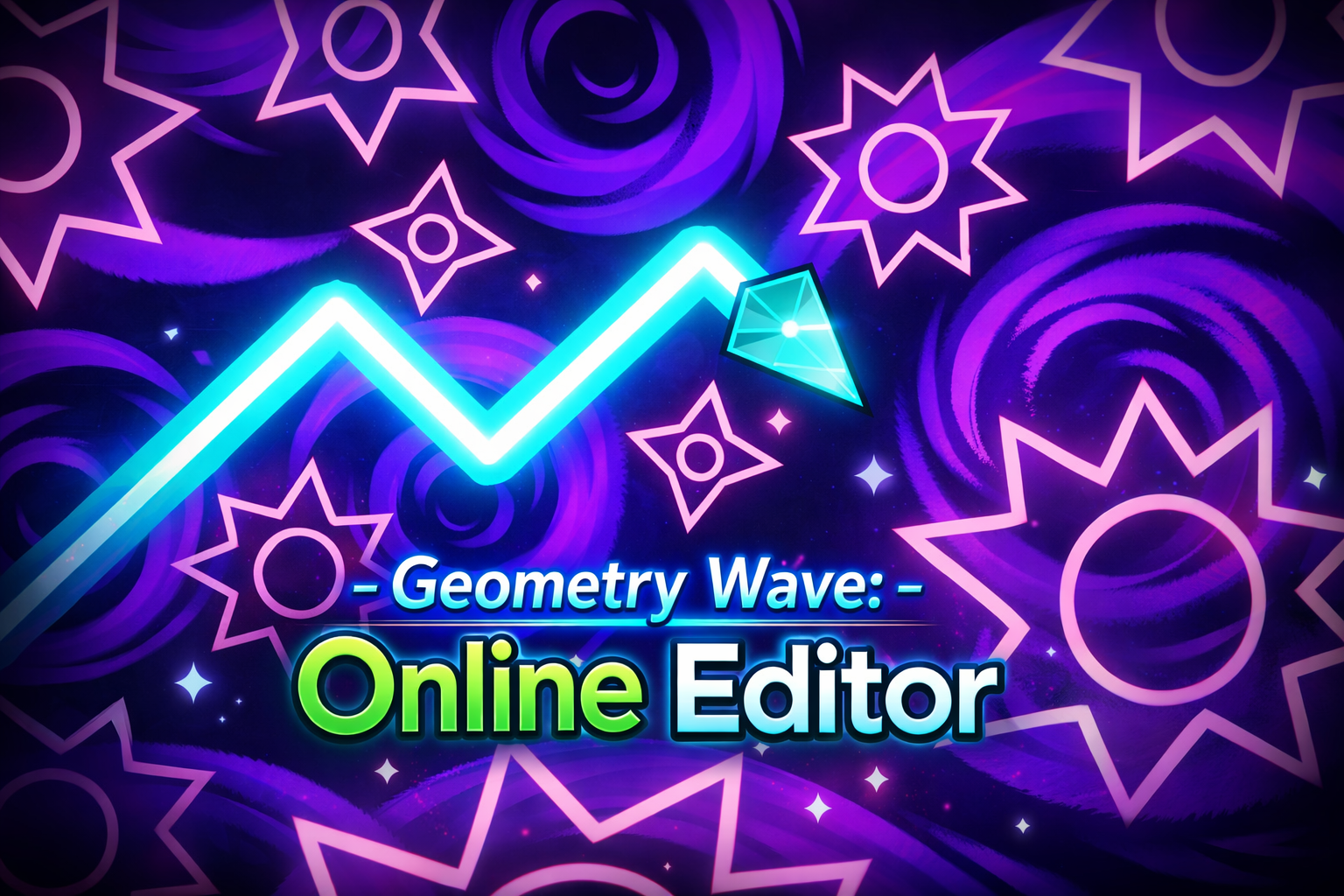
In this game, you control a wave that moves diagonally by holding or releasing a control to make it rise or descend. Your task is to navigate through sections with sharp spikes, narrow tunnels, and timed obstacles. The game runs directly in the browser, so you can start playing without downloads or installations. It is part of a collection of browser-based skill games.
The game includes an online editor where you can create custom levels, upload them, and try challenges made by other players. This allows you to test your timing and control against many different obstacles.
About Geometry Wave Online Editor
This is a rhythm platformer inspired by the Wave mode from Geometry Dash, focusing on precision and timing. It features over 65 handcrafted levels and an online editor for unlimited custom levels. The gameplay tests your reflexes by having you guide a wave through tight corridors and spike sections.
The game falls under skill games and includes tags like multiplayer, highscore, survival, geometry, and control. It offers online multiplayer gameplay and replayable high-score challenges. Mobile support is listed for iOS and Android devices, though performance may vary depending on device and browser.
How to Play Geometry Wave Online Editor
The goal is to complete levels or achieve high scores by controlling the wave’s movement. Use mouse, touch, or keyboard input to hold and release the control that makes the wave rise or fall diagonally. Some levels or editor features may add extra controls.
- Hold control (mouse button, touch, or keyboard key) to make the wave rise.
- Release control to make the wave descend.
- Place checkpoints in Practice Mode to rehearse difficult sections.
- Follow on-screen goals to complete levels or set high scores.
Geometry Wave Online Editor Gameplay
The gameplay focuses on moving a diagonal wave through increasingly complex patterns. The main challenge is timing your moves to avoid spikes and narrow tunnels. Practice Mode lets you place checkpoints to work on difficult parts without restarting.
The online editor lets players create and share levels, adding variety to the challenges. Levels can range from rhythm-based to experimental layouts, testing your reaction speed and patience.
Features
The game includes an editor and supports multiplayer play. It also encourages replay and customization.
- Online multiplayer gameplay.
- Replayable high-score challenges.
- Online level editor for creating and sharing custom levels.
- Practice Mode with checkpoints.
- Crystals used in an in-game store to unlock editor options.
Tips and Tricks
- Use Practice Mode checkpoints to focus on difficult sections before attempting a full run.
- Spend crystals carefully to unlock editor features that help customize levels.
- Watch your timing closely when controlling the wave’s rise and fall to avoid spikes and traps.
- Try custom levels made by the community to improve your timing and control.
- Experiment with mouse, touch, and keyboard inputs to find what works best for you.
Troubleshooting
If the game does not load, try these fixes:
- Refresh the page and restart the game.
- Check your internet connection.
- Disable browser extensions that may block embedded games.
- Update your browser.
- Try another browser or device.
Game Details
- Runs in the browser with an internet connection required.
- Category: Skill games
- Provider metadata lists the developer as Third-party.
- Mobile support is listed for iOS and Android, but performance can vary by device and browser.
- Controls include mouse, touch, and keyboard input to hold or release control for wave movement.
FAQ
Is Geometry Wave Online Editor free to play?
Yes, the game is free to play directly in the browser without requiring any payment.
Do I need to download anything to play the game?
No download is necessary since the game runs in the browser with an internet connection.
How do I control the wave in the game?
You control the wave by holding or releasing a control using mouse, touch, or keyboard input to make the wave rise or descend diagonally.
Can I create my own levels in Geometry Wave Online Editor?
Yes, the game has an online editor that allows you to create, upload, and share custom levels with other players.
Is there a way to practice difficult parts without starting over?
Practice Mode lets you place checkpoints from the pause menu so you can rehearse challenging sections without restarting the entire level.
Comments
No comments yet. Be the first to comment.